Keep a dedicated record for every asset you maintain.
An asset is anything you keep going back to on a customer's site. In JobTek it has its own record, holding its serial number, location, past visits, forms and certificates, all in one place.
A full history for everything you service
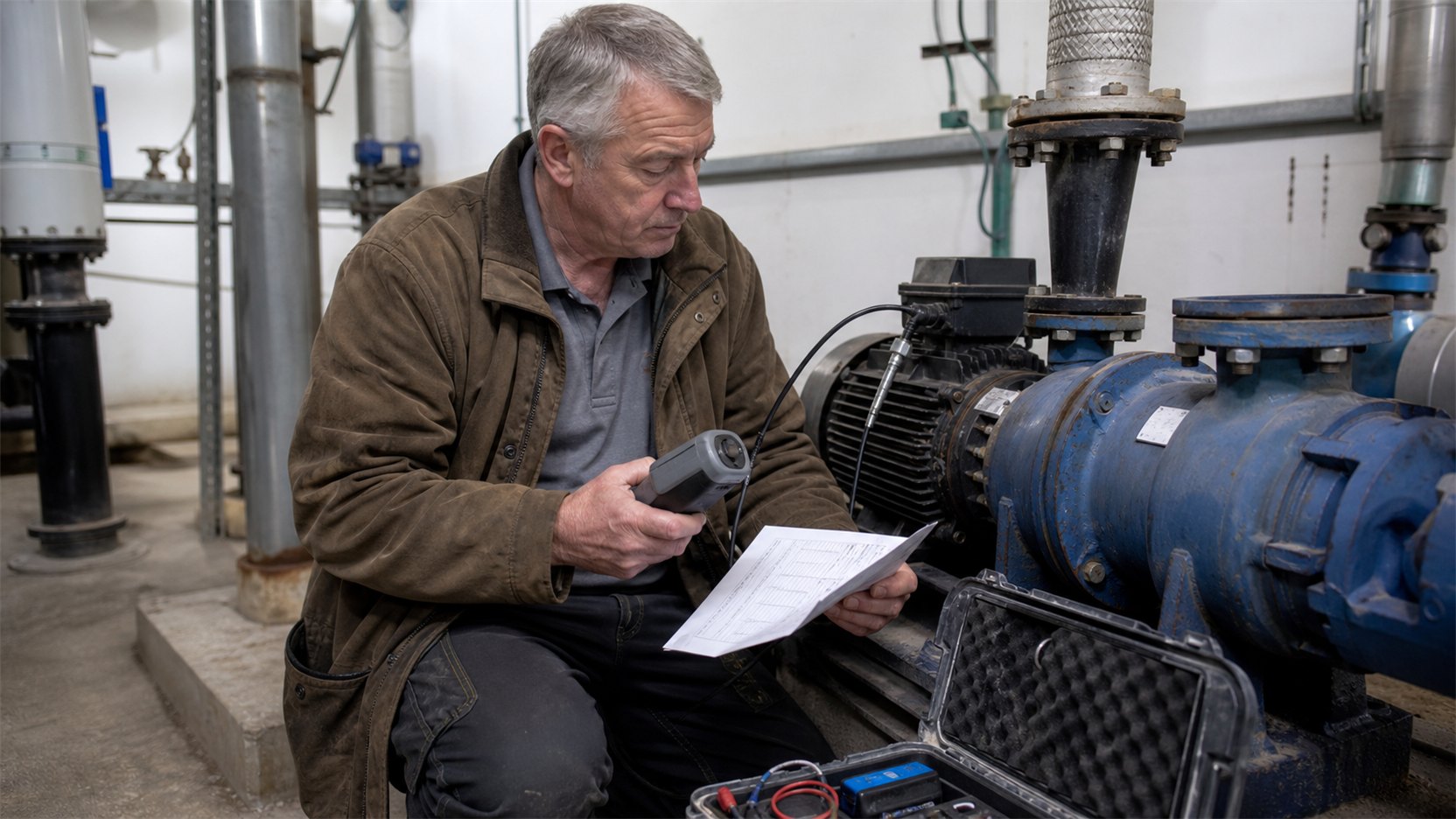
A machine, a vehicle or a building builds up years of visits. JobTek keeps every one on the asset itself, so your team sees what was found last time, certificates are always to hand, and identical units on the same site each keep their own readings.
Keep every certificate linked to the asset it covers.
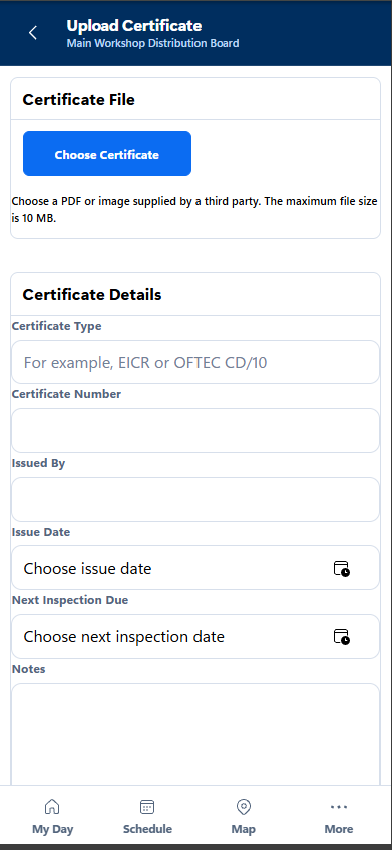
Create a certificate in JobTek or upload one from another company, and it's stored against the asset, right beside its next service date.
A complete history for every asset
Create the asset record once, then build its history with each visit.
Identity
A name, your own reference, the serial number and where it is on site.
Dates
When it was installed and when it's next due.
Fields that fit your business
Record make, model, capacity and any other details your business needs.
A clear record of every visit
See every booking, completed form and certificate linked to the asset.
Inspection forms and trade certificates
Create inspection forms for each asset type and carry forward answers from the previous visit, helping your team compare findings and record what’s changed. JobTek’s managed catalogue also includes dozens of trade records, covering electrical, gas, fire alarm, F-gas, lifting equipment and scaffold inspections. Managed records can only be issued by people and companies with the required credentials.
An annual inspection on a site with six units
- 1Before the visit
Open the customer’s record to see all six units, with the previous year’s findings for each.
- 2During the inspection
Complete each unit’s inspection form on your phone and add photos to support the findings.
- 3Certificates for each unit
Create or upload a certificate and link it directly to the unit it covers.
- 4Plan the next steps
Create a quote for the unit that needs further work and update the next service date for the other five.
What people ask about assets
Which plans include assets?
Assets, forms and certificates come with jobs on JobTek Essentials and JobTek Professional.
Can an asset be something other than a machine?
Yes. A vehicle, a building, a piece of kit or even an animal can have its own record. If you keep going back to it, it can be an asset.
What about certificates from other companies?
Upload them to the asset, where they sit alongside the ones you create in JobTek.
Can the team see past readings on site?
Yes. Forms can bring forward last visit's answers, so your team compares readings rather than starting from scratch.