

See when your quote is opened and who accepts it
Track when each quote is sent, when the customer views it and how they respond. With JobTek Professional, customers can accept online, with their name recorded on the quote.
Keep every invoice in line with the work
Keep pricing, agreed changes and deposits connected to the job, from the first visit to the final invoice. Build quotes using your own products and services, record changes agreed on site and create invoices from the work carried out, helping you bill accurately with every detail accounted for.
A larger project, quoted and billed
- 1Quote prepared
Build your quote from your own products and services, including VAT, your terms, a clear description of the work and the customer’s order number.
- 2Track delivery and views
Email the quote to your customer and see when they open it, with the status updating to ‘Viewed’.
- 3Quote accepted
With JobTek Professional, customers can accept the quote online with their name recorded, or decline and give a reason.
- 4Ready to book the work
Turn the accepted quote into a job, with customer details, quoted items and prices carried across.
- 5Invoice raised
Start with a deposit invoice, then invoice as each stage of work is completed, deducting the deposit as you go.
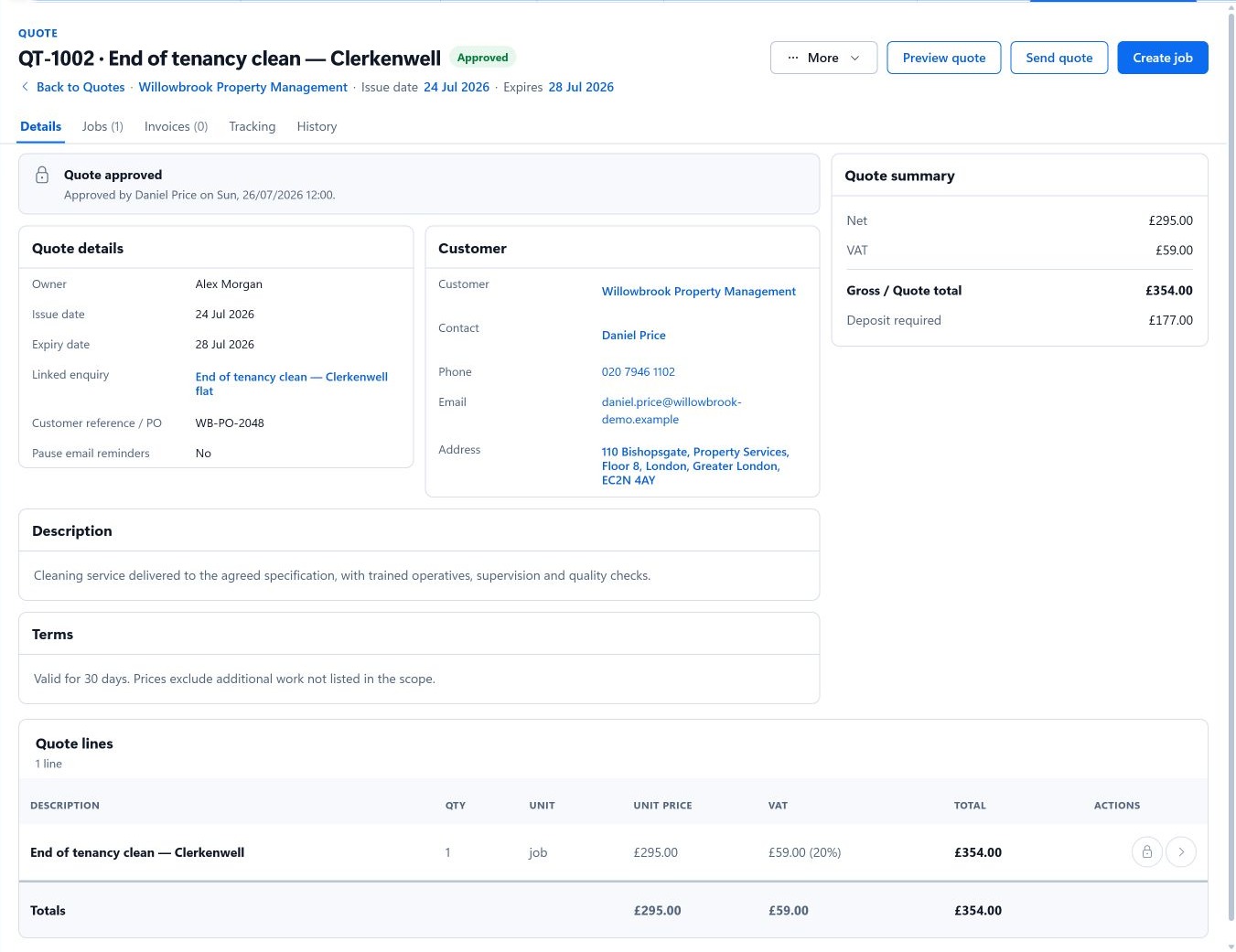
See what comes next on the accepted quote
Once the customer accepts, select ‘Create job’ directly from the quote to carry the details across without entering them again.
A clean, complete history
Every change to a sent invoice is recorded properly. Raise a credit note, record a refund or void an invoice, and the history shows what changed and when. Each customer's balance, including any credit they hold, is always up to date.
What comes with each plan
JobTek Essentials includes quotes, invoices, converting quotes to jobs and invoices, deposits, stage invoices, payments, credit notes, refunds, customer balances and agreed prices for regular customers, which fill in on their quotes, jobs and invoices. JobTek Professional adds online quote approval, quote and invoice reminders, online payments through Stripe, GoCardless or PayPal, and accounting connections to Xero, QuickBooks Online, Sage Accounting and FreeAgent.
Keep pricing in step with the work

Building contractors
A survey, approved variations and stage invoices through the whole build.
See building contractors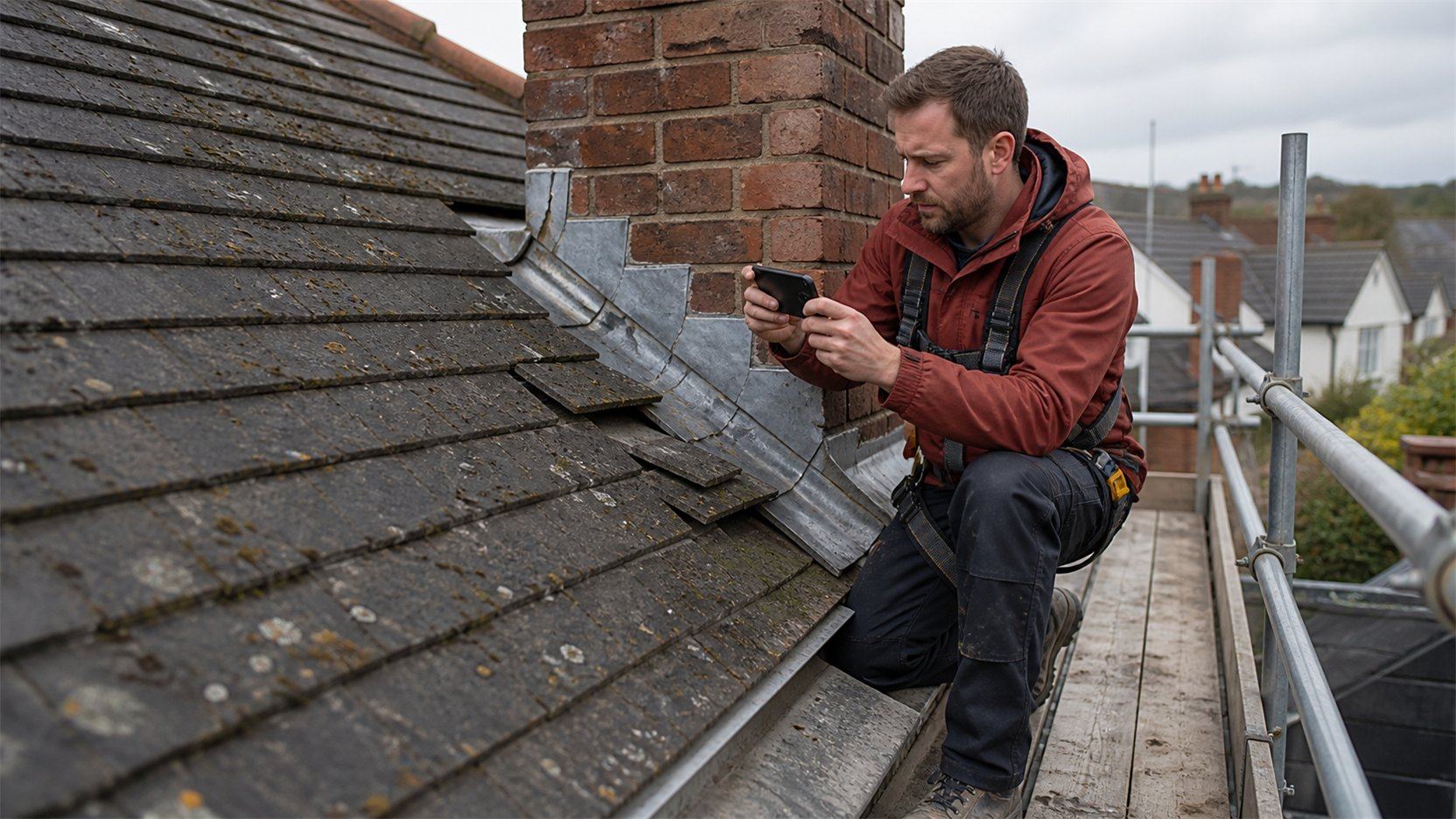
Roofing and exterior trades
Extra work found on the roof, quoted and agreed before it's billed.
See roofing and exterior trades
Painting and decorating
Room-by-room scope, with colour changes reflected on the invoice.
See painting and decorating
Send yourself a quote
Put your own email address on a test customer, send a quote and open it on your phone. You'll see the polished experience your customers get.