

Every report traced back to its instruction
An instruction arrives with a property, a client, a deadline and a few documents. JobTek keeps all of it on the job, so the surveyor goes out with the full brief and the office invoices the fee the moment the report is done.
More time for the inspection
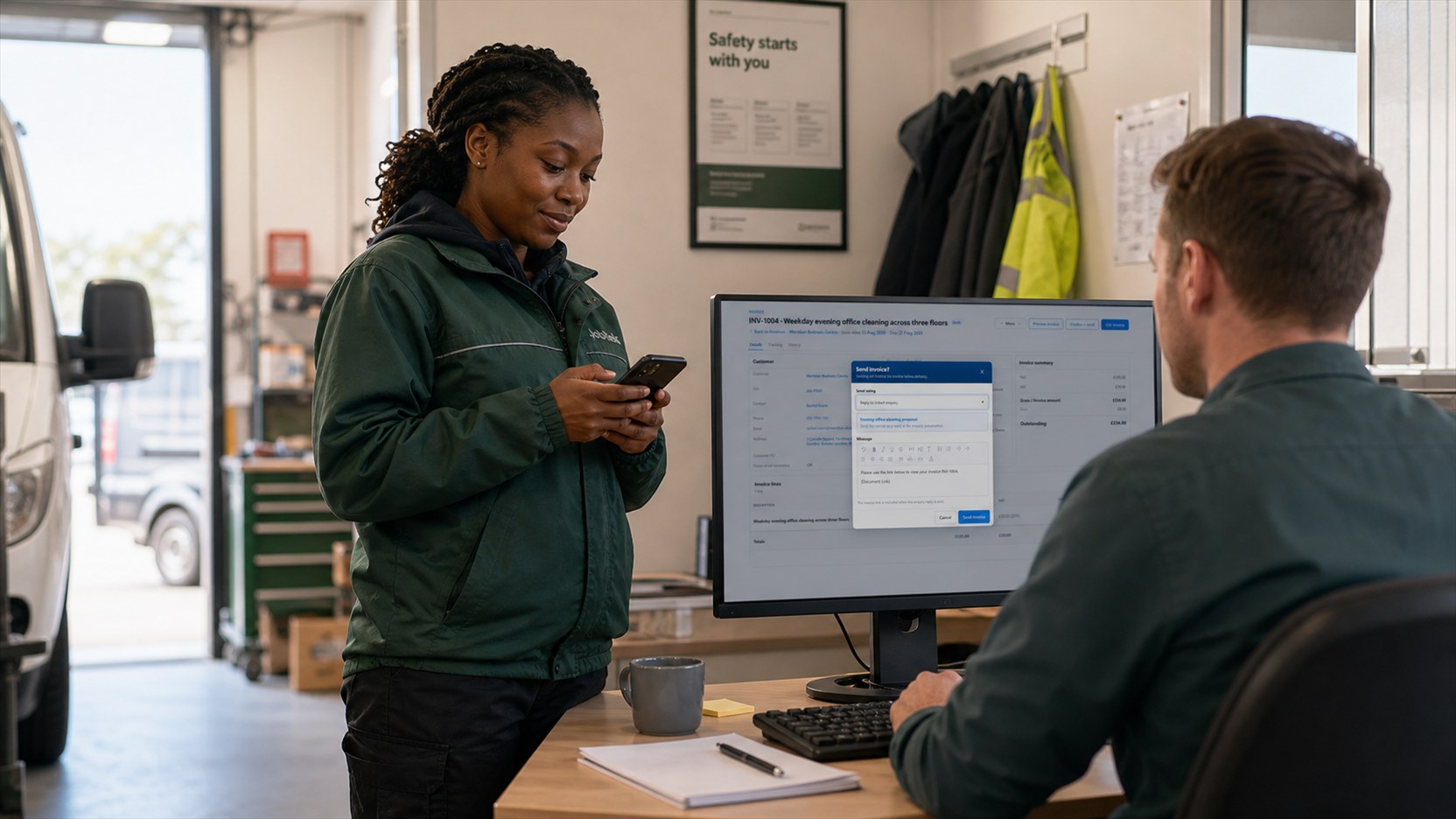
JobTek handles everything around the report: logging instructions, arranging access with occupiers, matching each job to a surveyor with the right accreditation, tracking deadlines and invoicing the fee. Your surveyors spend their time where it counts.
What arrives with an instruction
Record these as the instruction comes in, and everything's ready for the day.
Who's who
The client, the property contact, the occupier and whoever pays can all be different people, and each one sits on the job.
- Client: who instructed you
- Access contact: who lets you in
- Invoice recipient: who pays the fee
The brief
What you've been asked to inspect and why, with the client's documents attached so they go to site with the surveyor.
The deadline
When the report is due, ready to use when you book the visit.
The report is what you're selling
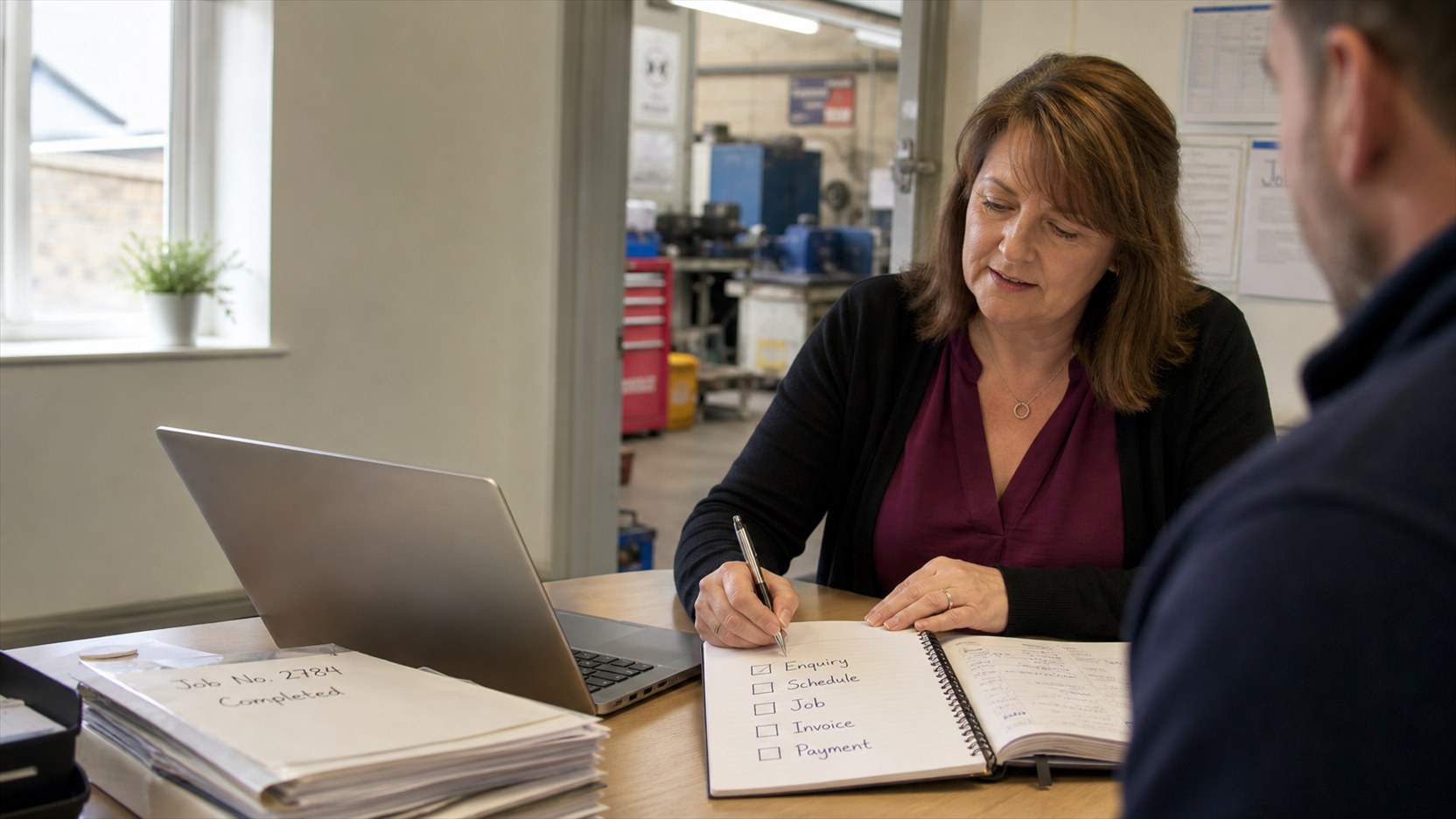
Photos, notes and attachments from the visit sit on the same job as the instruction. When the finished report is ready, attach it and raise the invoice for the agreed fee in one place.
Reports from the managed catalogue
JobTek's managed catalogue includes assessments and surveys many inspection firms produce: Energy Performance Certificate and Display Energy Certificate assessments, asbestos survey records, fire risk assessments, legionella risk assessments, tree condition surveys and air-permeability and sound-insulation test reports. Each is completed on site, stored with the property and issued by an accredited surveyor. Your own report templates work alongside them: attach the finished report to the job and invoice from the same place.
Questions about surveys and reports
Can I collect instructions through my website?
Yes. Build a web form that asks for the property, the purpose, the deadline and any documents, and each submission arrives as an enquiry ready to become a job.
Can the client see progress without ringing?
Yes. With JobTek Professional, invite the client to the customer portal to see their bookings, quotes and invoices.
How do I match a surveyor with the right accreditation?
Record accreditations as skills with expiry dates and choose a surveyor who holds it when you book. With JobTek Professional, Auto Schedule suggests only surveyors whose accreditation is in date.
Can clients pay the fee online?
Yes. With JobTek Professional, clients accept quotes and pay invoices online.
One instruction, one job
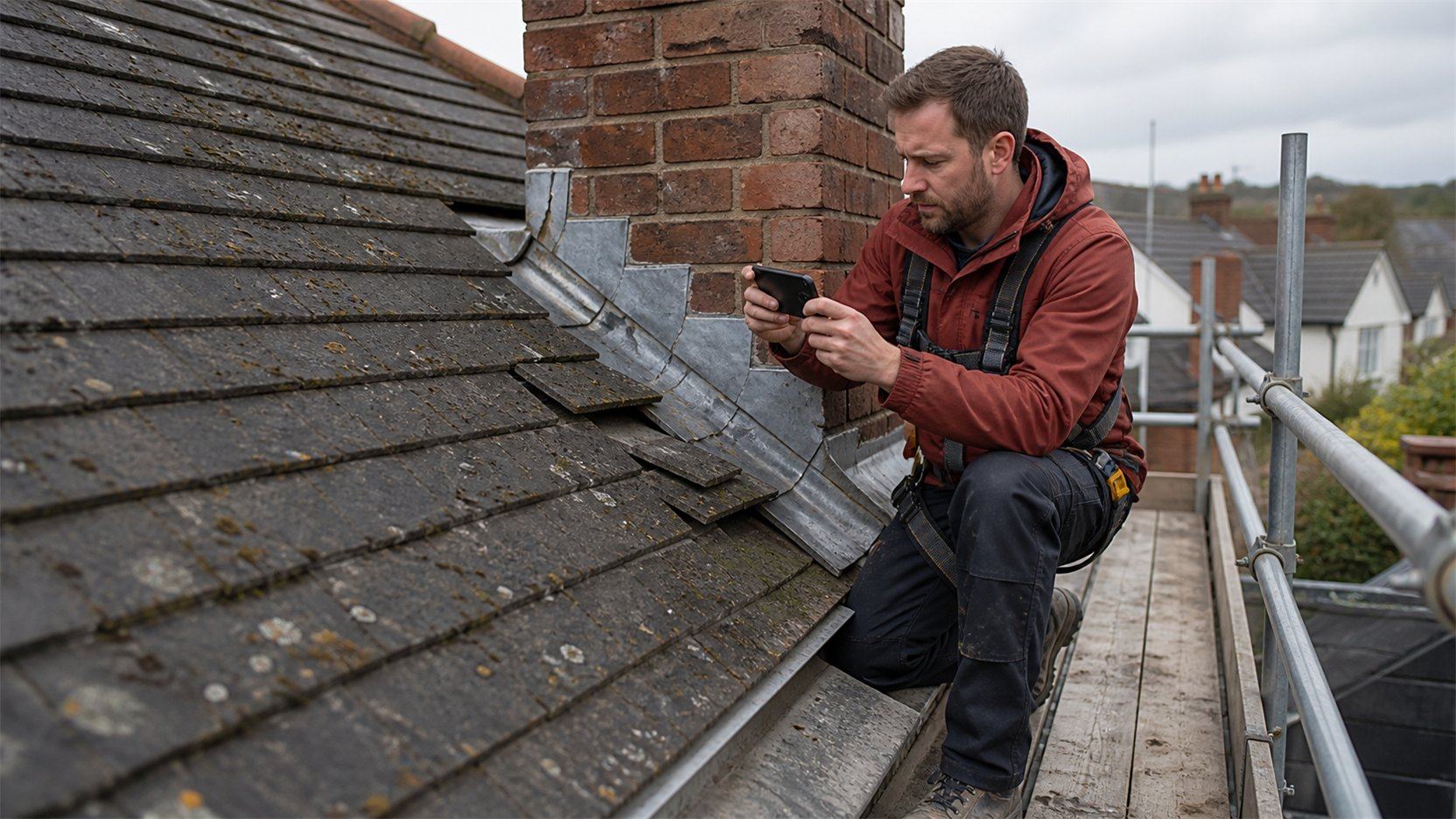
The brief, the site photos, the report and the fee, all on the same job. Start with an instruction you're working on this week.