

Get the location and photos before you follow up
Ask the questions your team needs answered with a JobTek web form, and receive the responses as an enquiry, ready to follow up.
Start with the details you need
Collect the postcode, make and model, photos of the problem and the customer’s availability, giving your office the details to prepare a quote, prioritise the enquiry or arrange a visit.
Collect the right details from the start
Build your form with text fields, email and phone details, numbers, dates and times, drop-down lists, radio buttons and tick boxes. Two field types offer even more:
Find the right address
Let customers find and select their address, reducing typing and helping you capture complete, accurate details.
Attach photos and files
Collect photos of the work needed, equipment labels or floor plans, with every file attached directly to the enquiry.
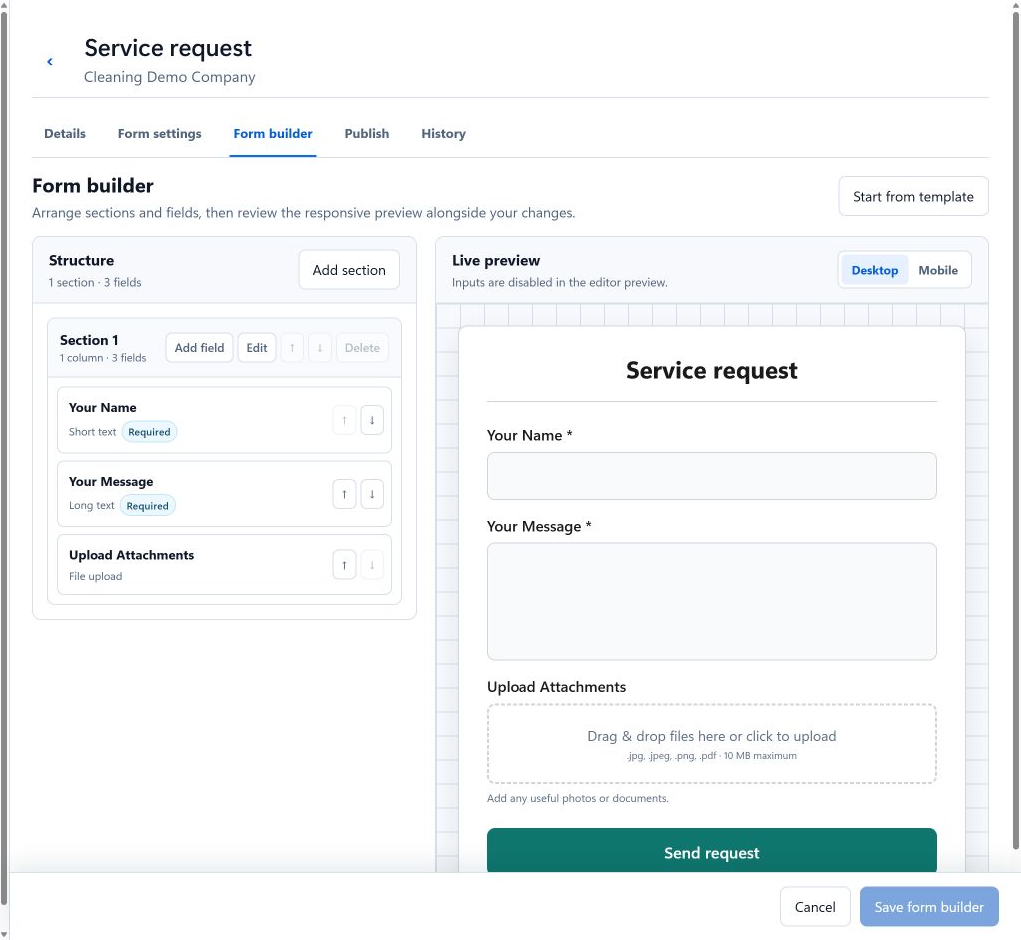
Preview your form through your customer’s eyes
See your fields alongside a live preview as you build. Switch to a mobile view to check how the form will look on your customer’s phone.
Share your form wherever customers find you
Every plan includes a form page hosted by JobTek, ready to share—even if you don’t have a website. If you do, embed the form on your site and style it to match your brand. You can also use a custom domain to give the hosted page your own web address.
With JobTek Professional, add forms to your customer portal so existing customers can request new work when they sign in.
Your first form in four steps
- 1Frequently asked questions
List the questions you usually ask customers, then add a form field for each one.
- 2Check your form
Preview the form on a mobile screen and submit a test enquiry yourself.
- 3Make your form live
Share a link to your form or embed it directly on your website.
- 4Receive enquiries
Every submission appears in your enquiry list with an assigned owner, a status and any attached files.
Forms worth copying

Surveyors and inspectors
Instruction type, the property and the access arrangements, asked before you book.
See surveyors and inspectors
Painting and decorating
Rooms, finishes and photos of the walls, so the first visit ends with a proper estimate.
See painting and decorating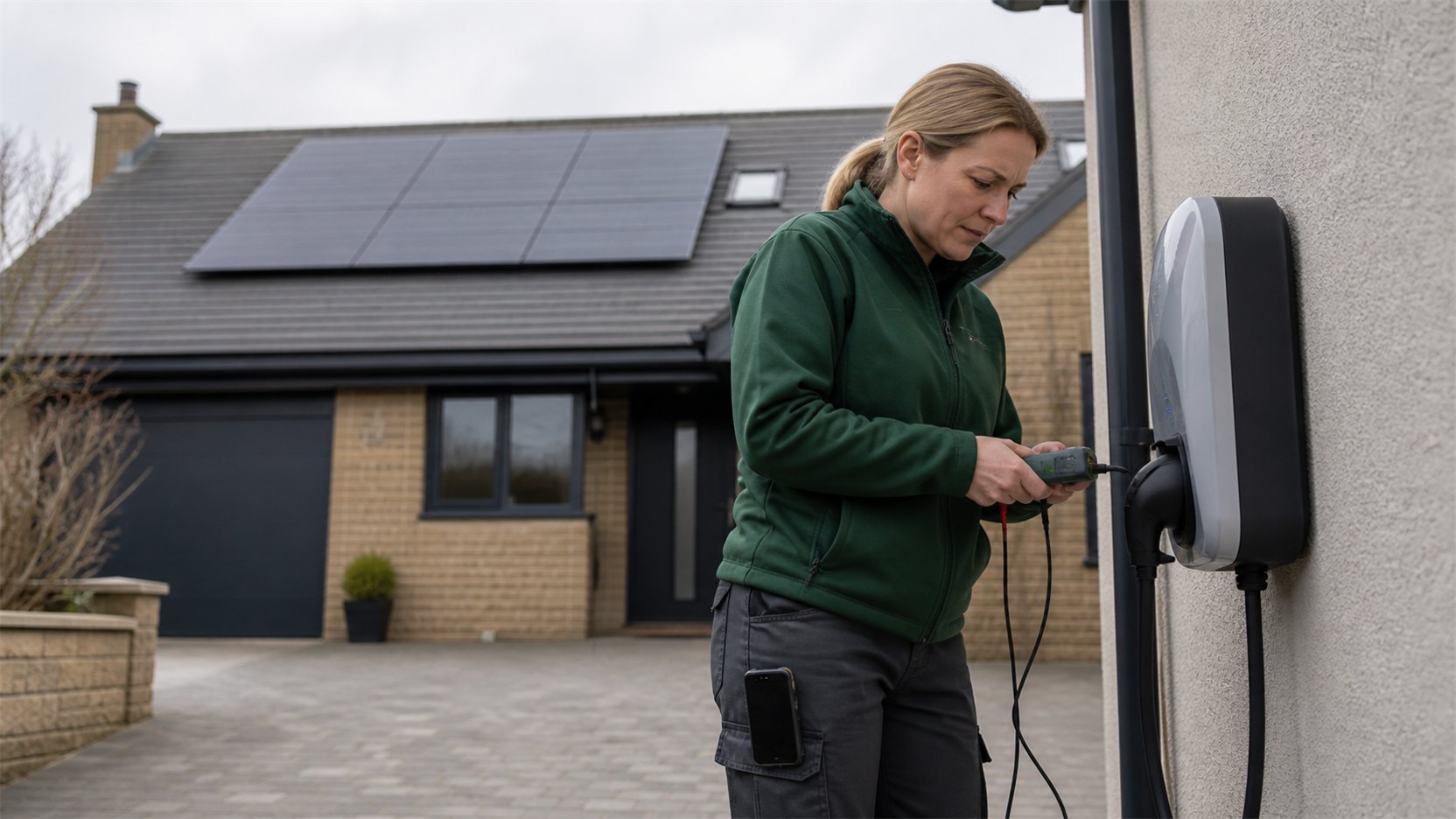
Solar and EV installers
Roof photos and a picture of the fuse board, collected before the survey.
See solar and EV installersQuestions about web forms
Which plans include web forms?
Every plan, including JobTek CRM. The ready-made form and extra forms for each service are all included.
What happens to a submission?
It becomes an enquiry with an owner and a status, ready to link to an existing customer or create a new one.
Can I have a different form for each service?
Yes. Build a form for each service you offer, each asking the questions that set the price.
Write down the questions you always ask
Those are your first form. Build it, fill it in on your phone, and watch the enquiry land in the office.